📝 Our Blog
Tips, guides, and tutorials to help you master PDF documents.
March 29, 2026
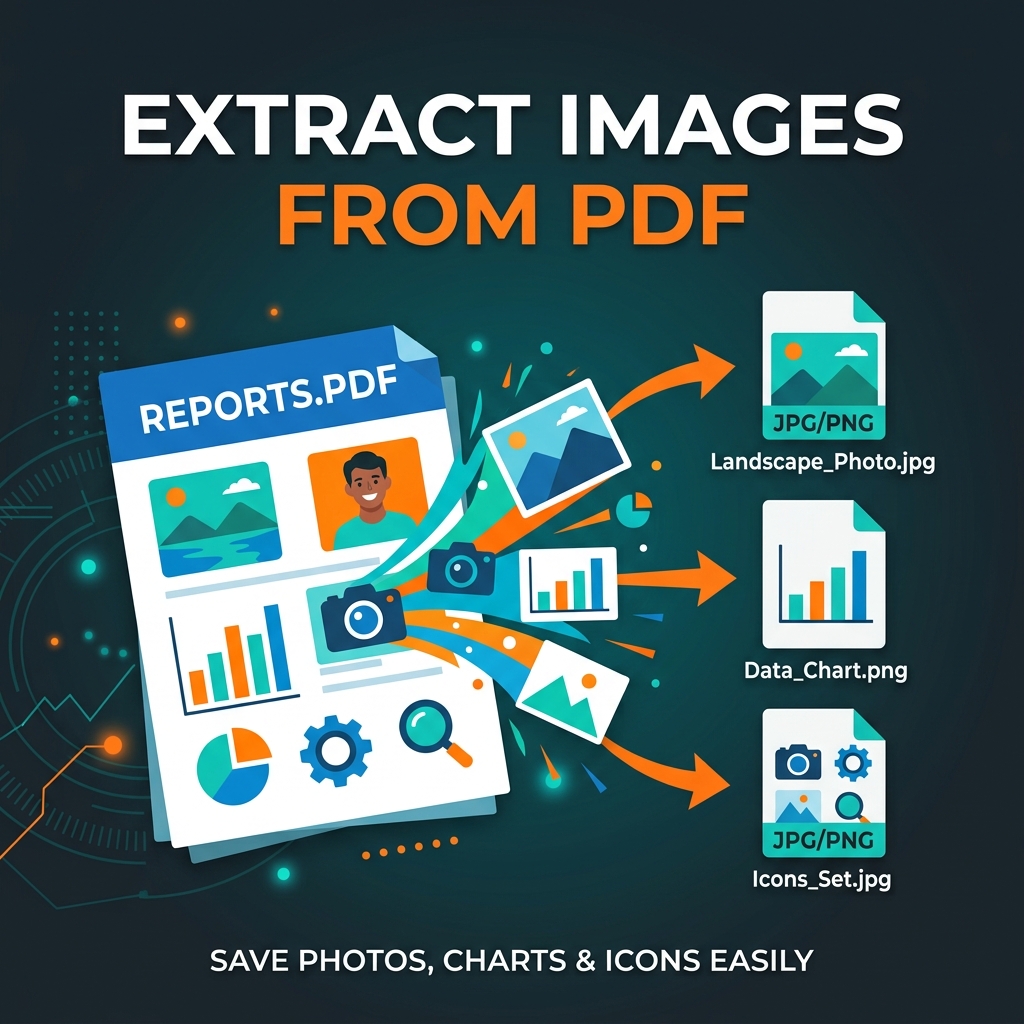
How to Extract Images from a PDF for Free
Extract photos, charts, and graphics from any PDF at original quality — no software needed. Works in your browser.
Read Article →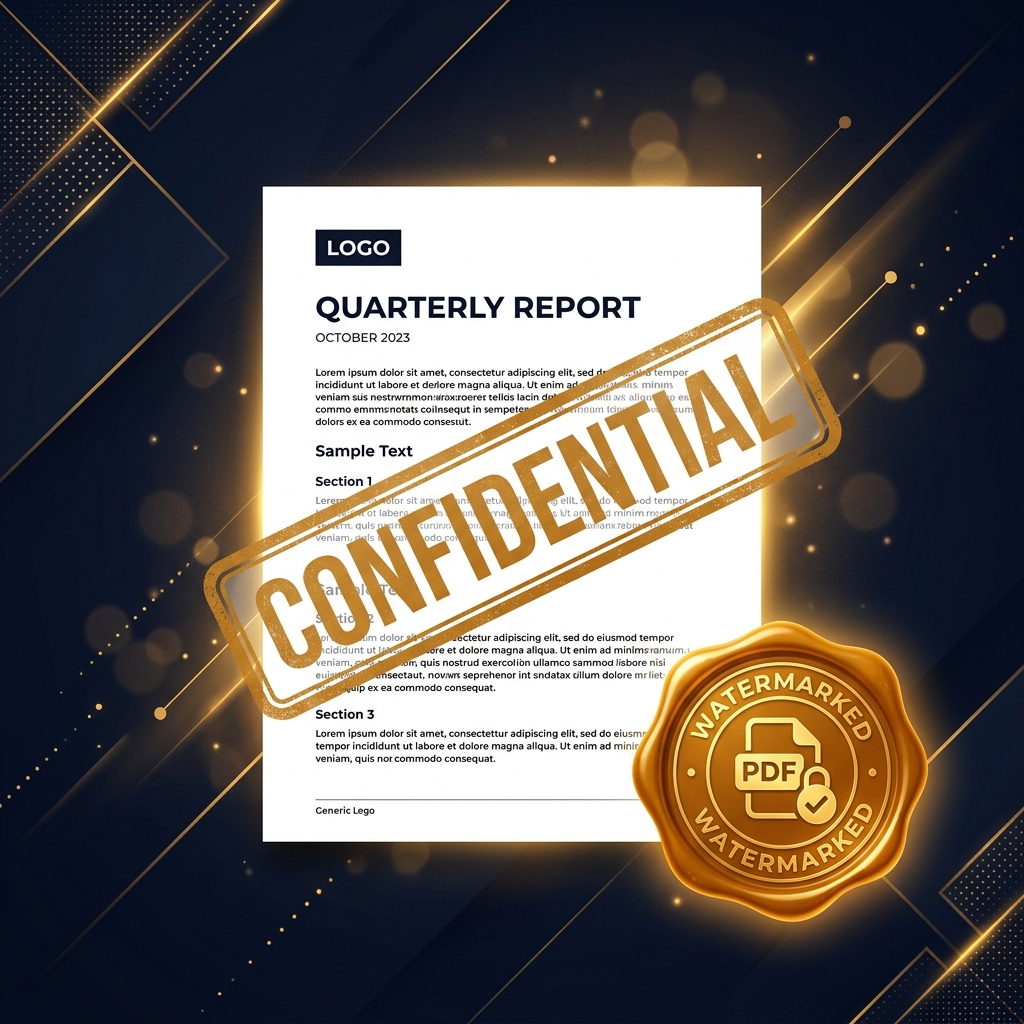
March 29, 2026
How to Add a Watermark to a PDF for Free
Add "CONFIDENTIAL", "DRAFT" or your logo as a watermark to any PDF. Custom text, opacity, and position. No sign-up.
Read Article →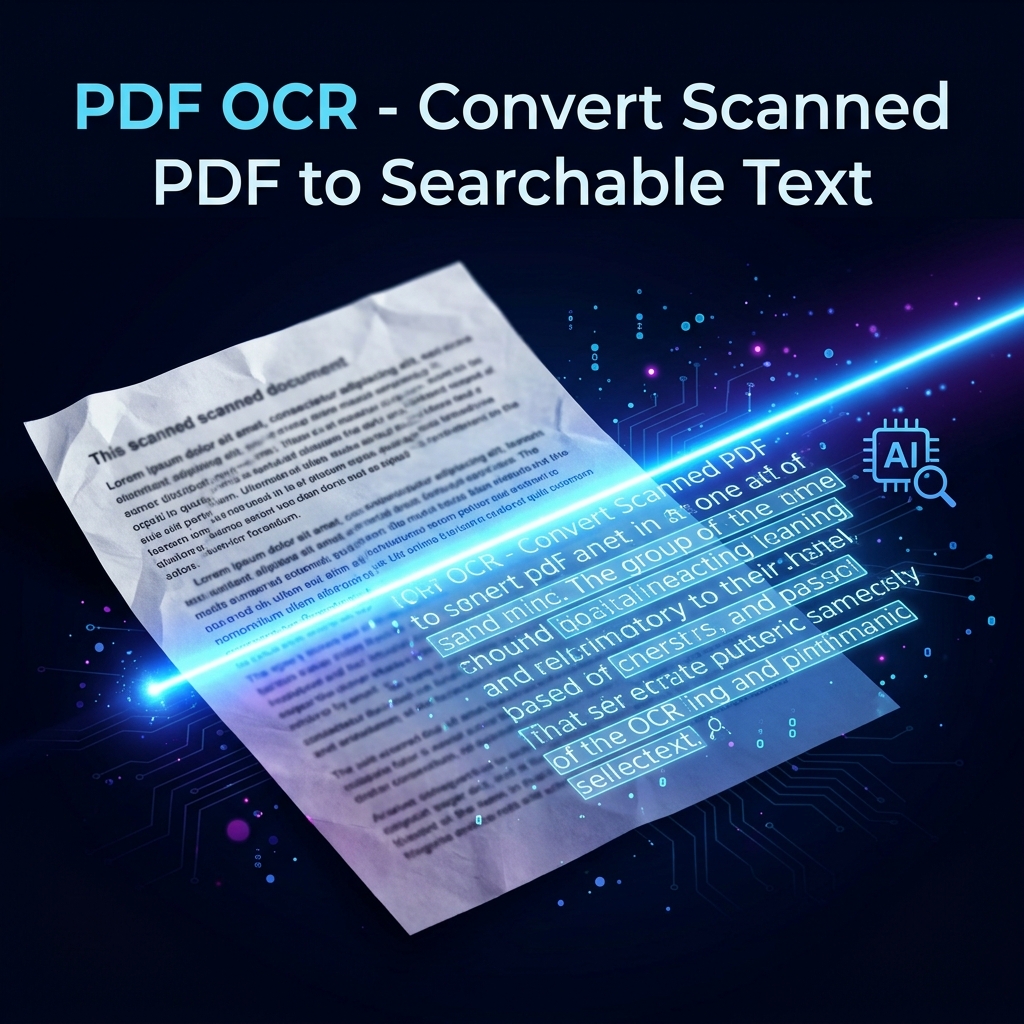
March 29, 2026
PDF OCR: Convert Scanned PDF to Searchable Text Free
Make scanned PDFs searchable and selectable using free online OCR. Supports English, Hindi, and 30+ languages.
Read Article →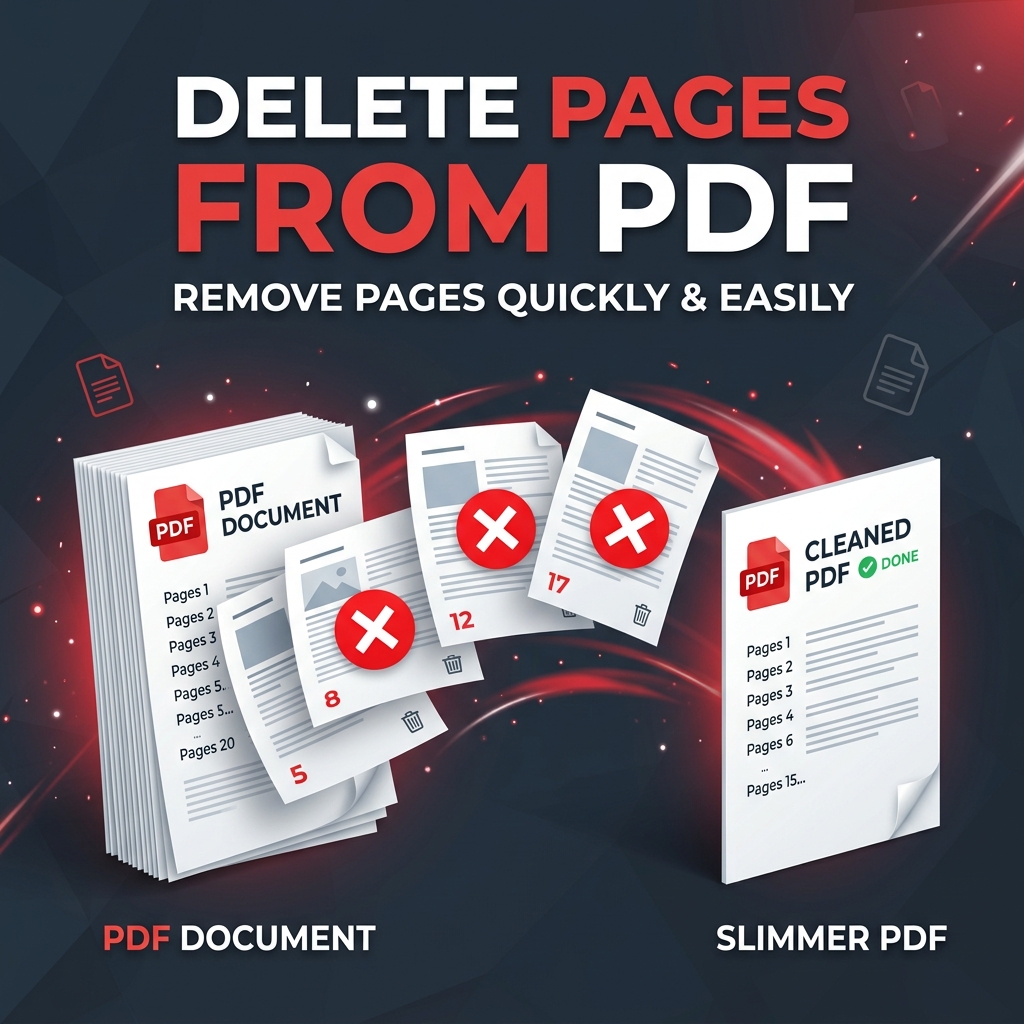
March 29, 2026
How to Delete Pages from a PDF for Free
Remove blank pages, confidential sections, or unwanted covers from any PDF instantly. No quality loss, no sign-up.
Read Article →
March 29, 2026
How to Rotate Pages in a PDF for Free
Fix upside-down or sideways scanned pages in seconds. Rotate individual pages or the whole document — no software needed.
Read Article →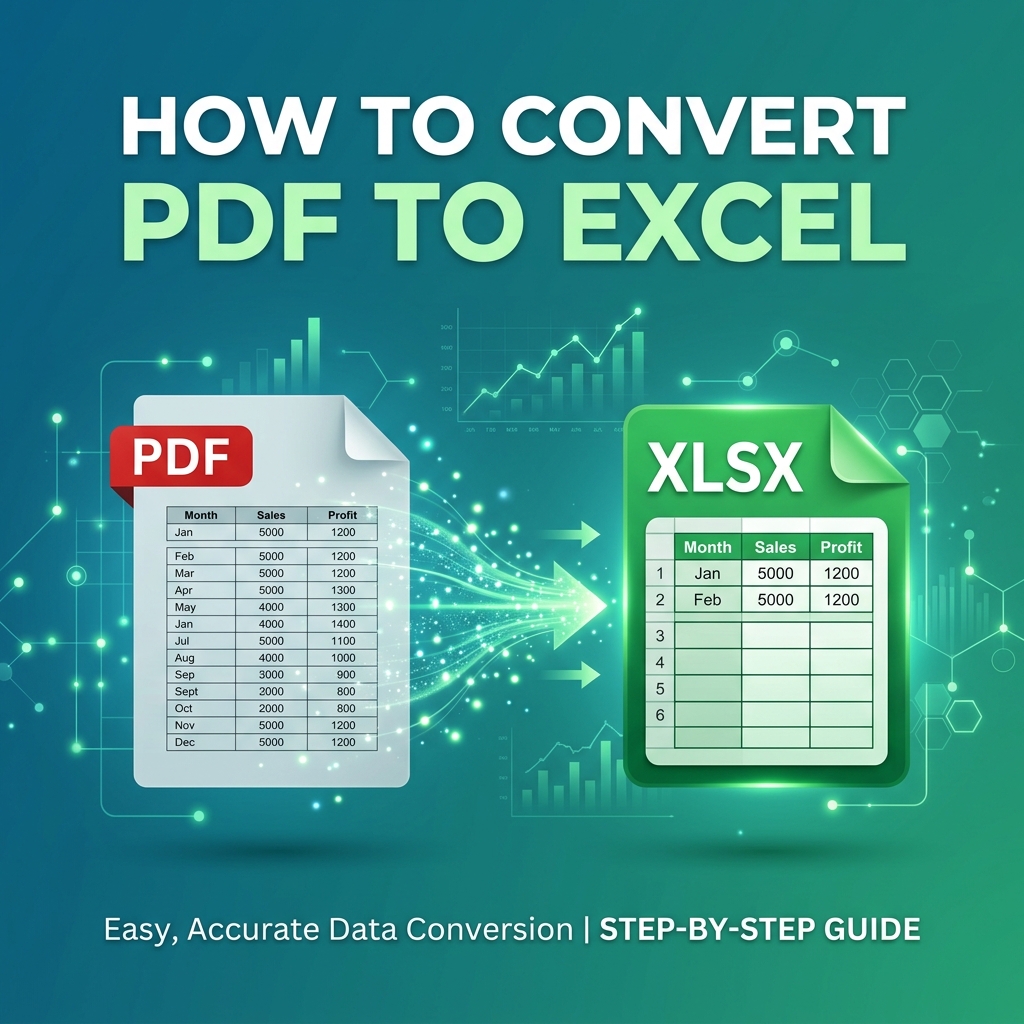
March 29, 2026
How to Convert PDF to Excel for Free
Extract tables and data from any PDF into an Excel spreadsheet instantly — no software, no sign-up, works on any device.
Read Article →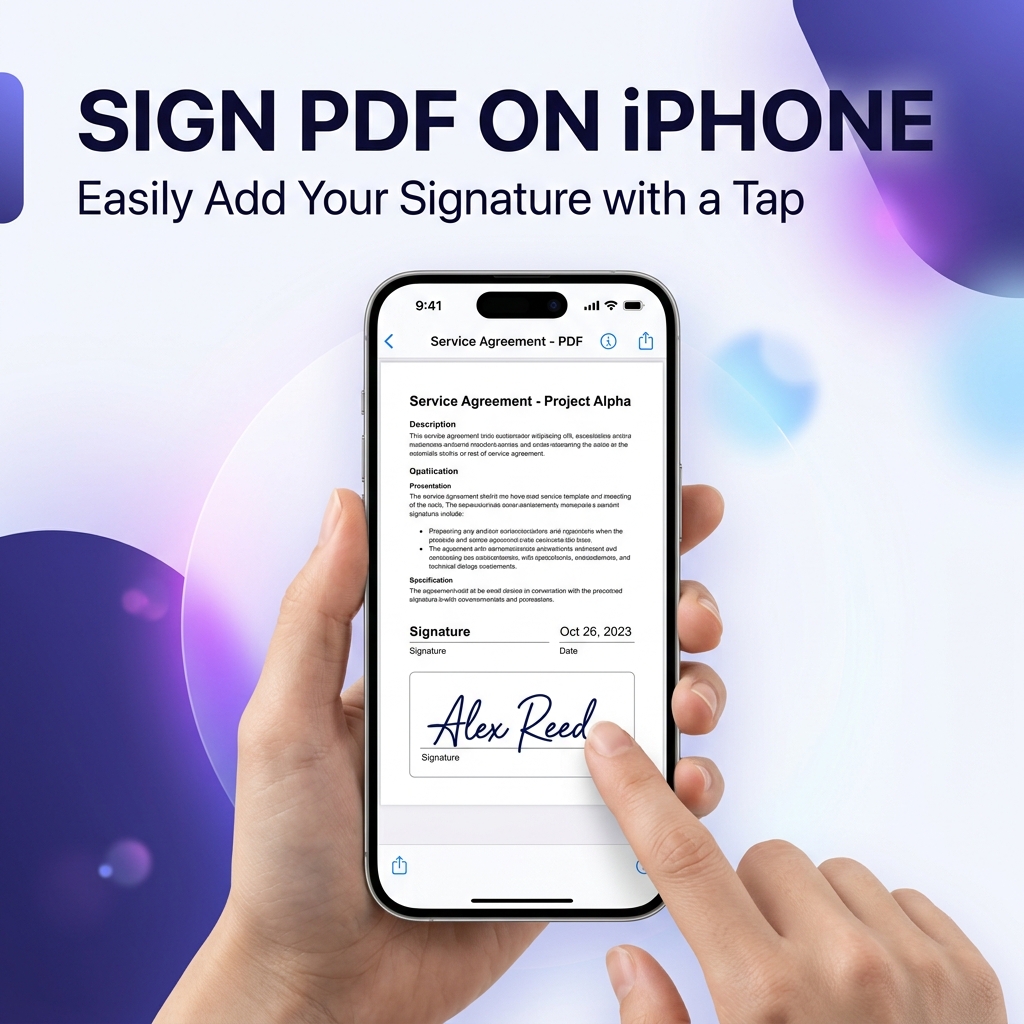
March 28, 2026
How to Add a Signature to a PDF on iPhone (Free)
Sign any PDF on iPhone without an app — use the built-in Files app or open in Safari. Step-by-step guide for iOS users.
Read Article →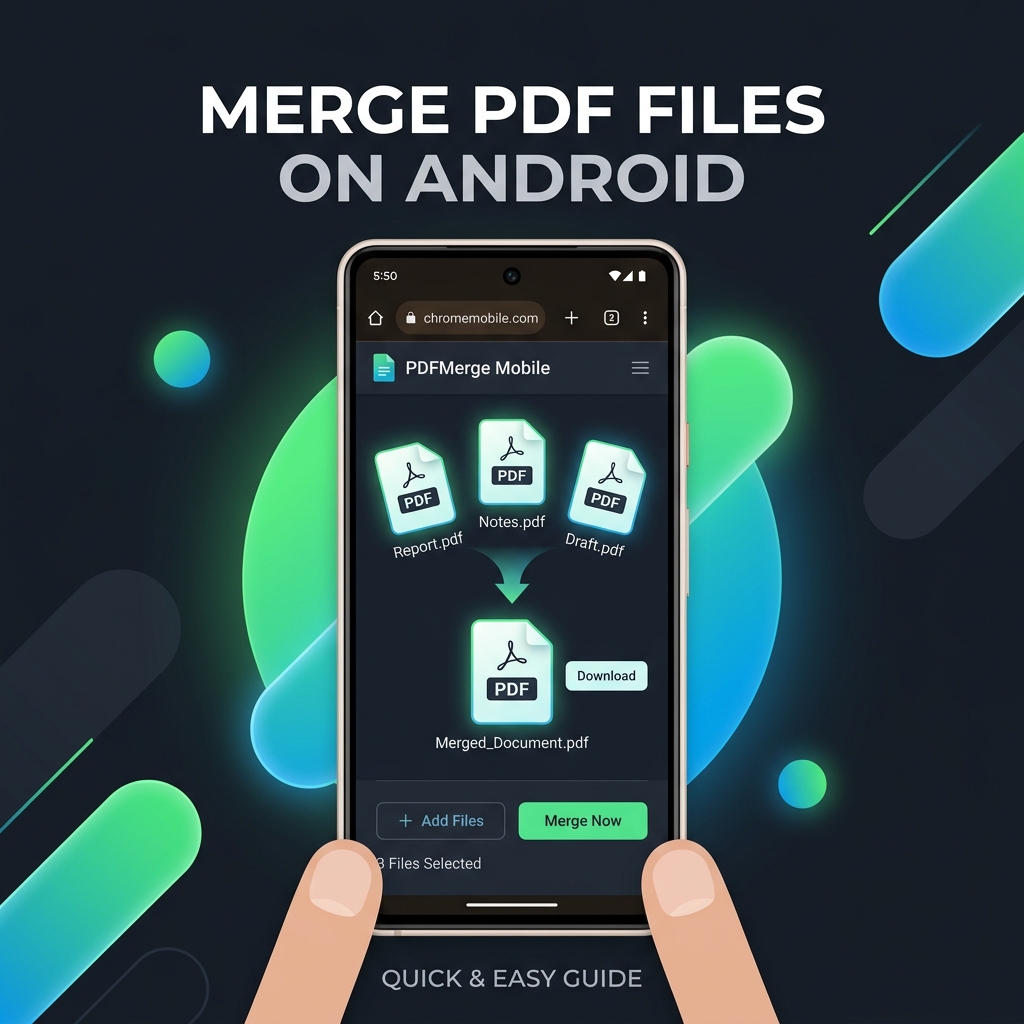
March 27, 2026
How to Merge PDF Files on Android for Free
Combine multiple PDFs on any Android phone without downloading an app. Works directly in Chrome in under 30 seconds.
Read Article →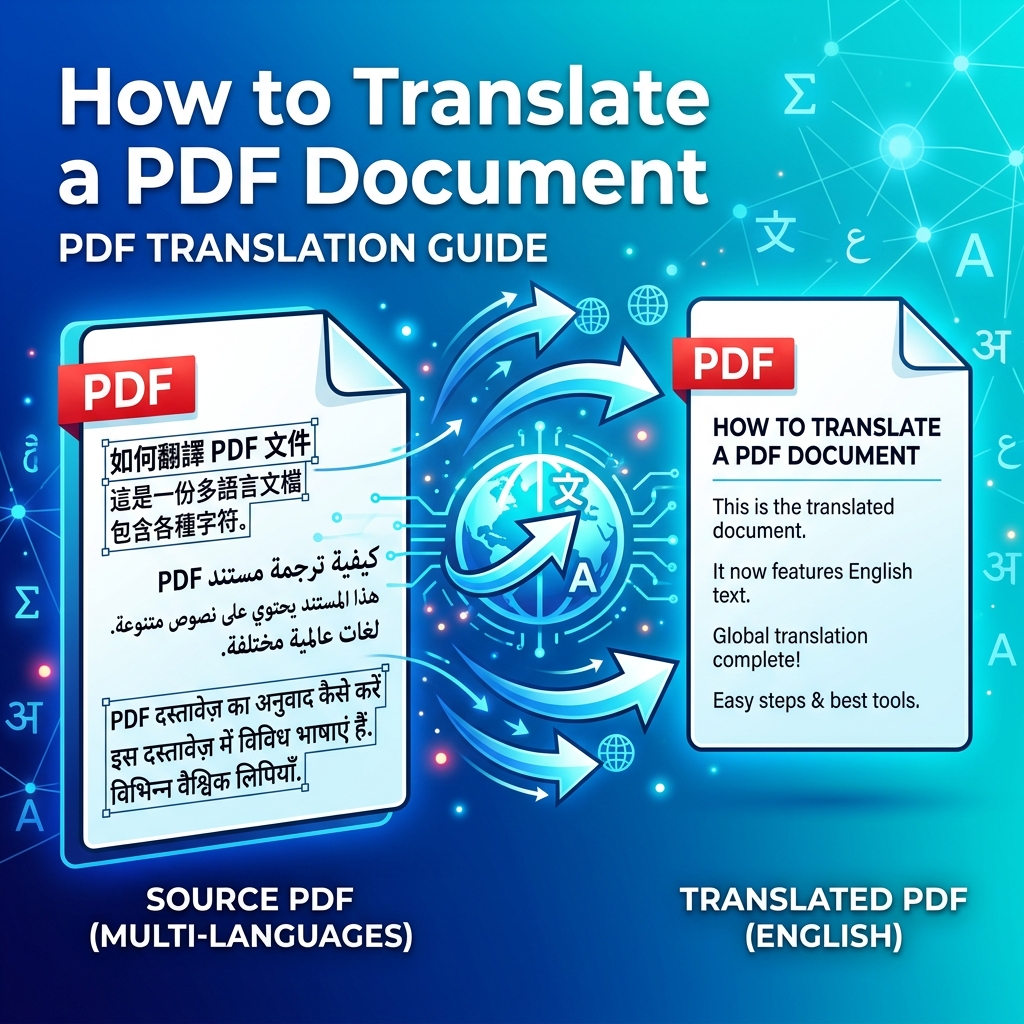
March 26, 2026
How to Translate a PDF Document for Free
Translate any PDF to English, Hindi, Spanish or 100+ languages free. No software needed — works directly in your browser.
Read Article →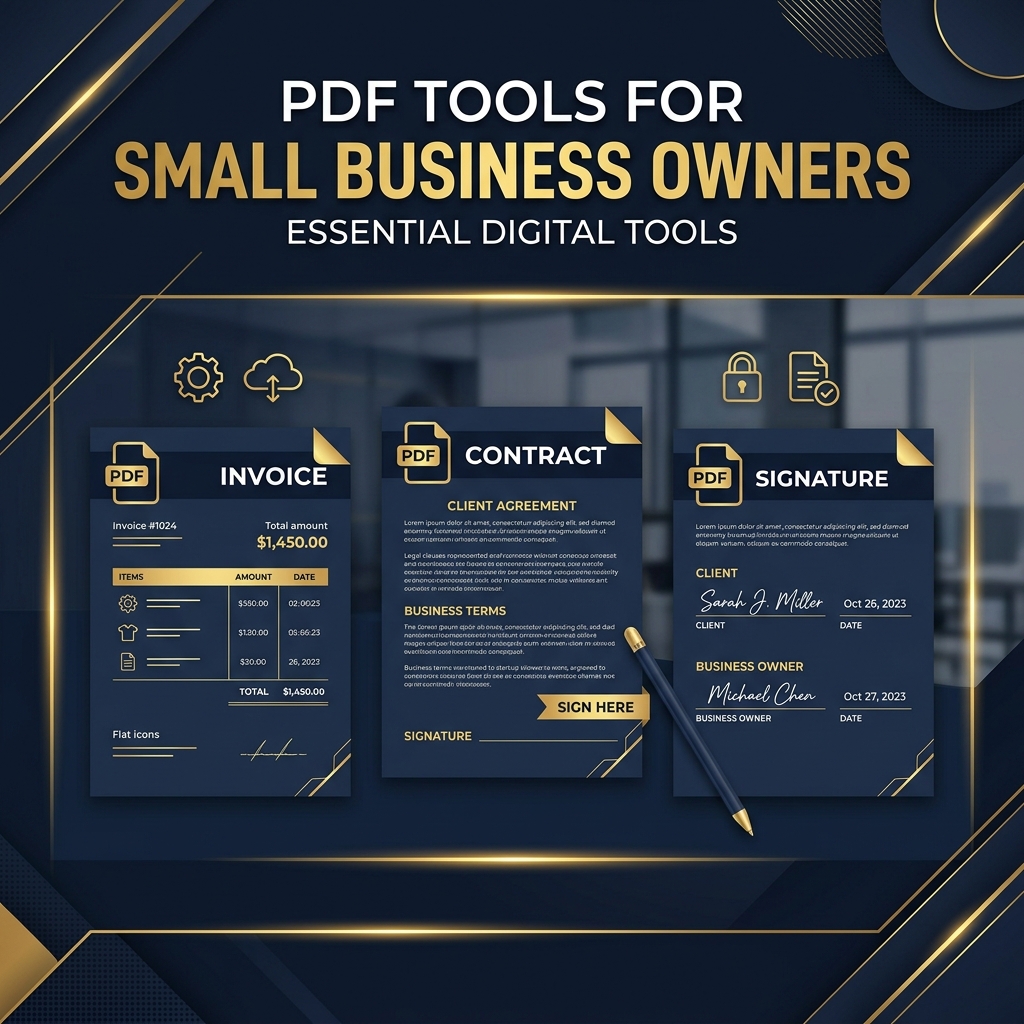
March 25, 2026
7 PDF Tools Every Small Business Owner Needs
Free PDF tools for invoices, contracts, tax documents — save thousands on Adobe Acrobat subscriptions every year.
Read Article →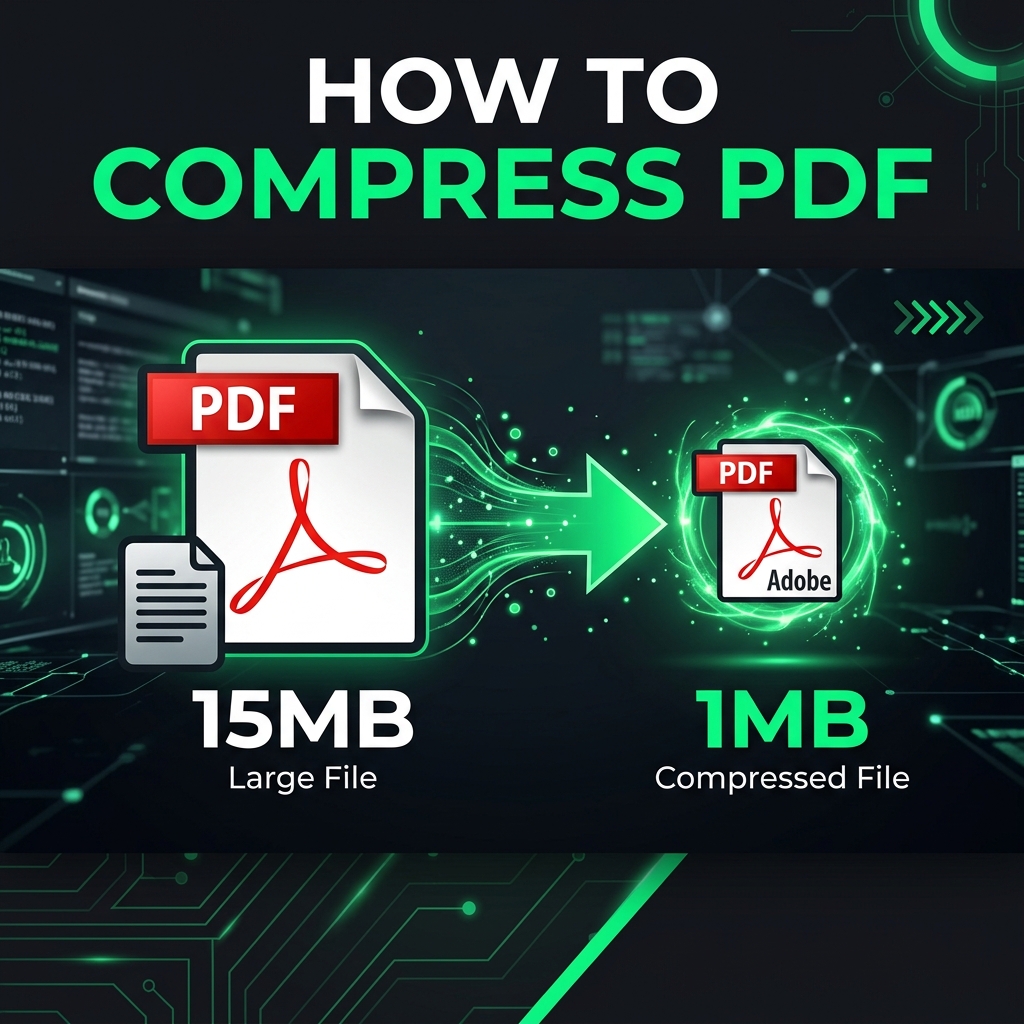
March 25, 2026
How to Reduce PDF File Size for Free (5 Easy Methods)
5 proven, free methods to shrink your PDF — no software needed. Works on Windows, Mac, iPhone, and Android.
Read Article →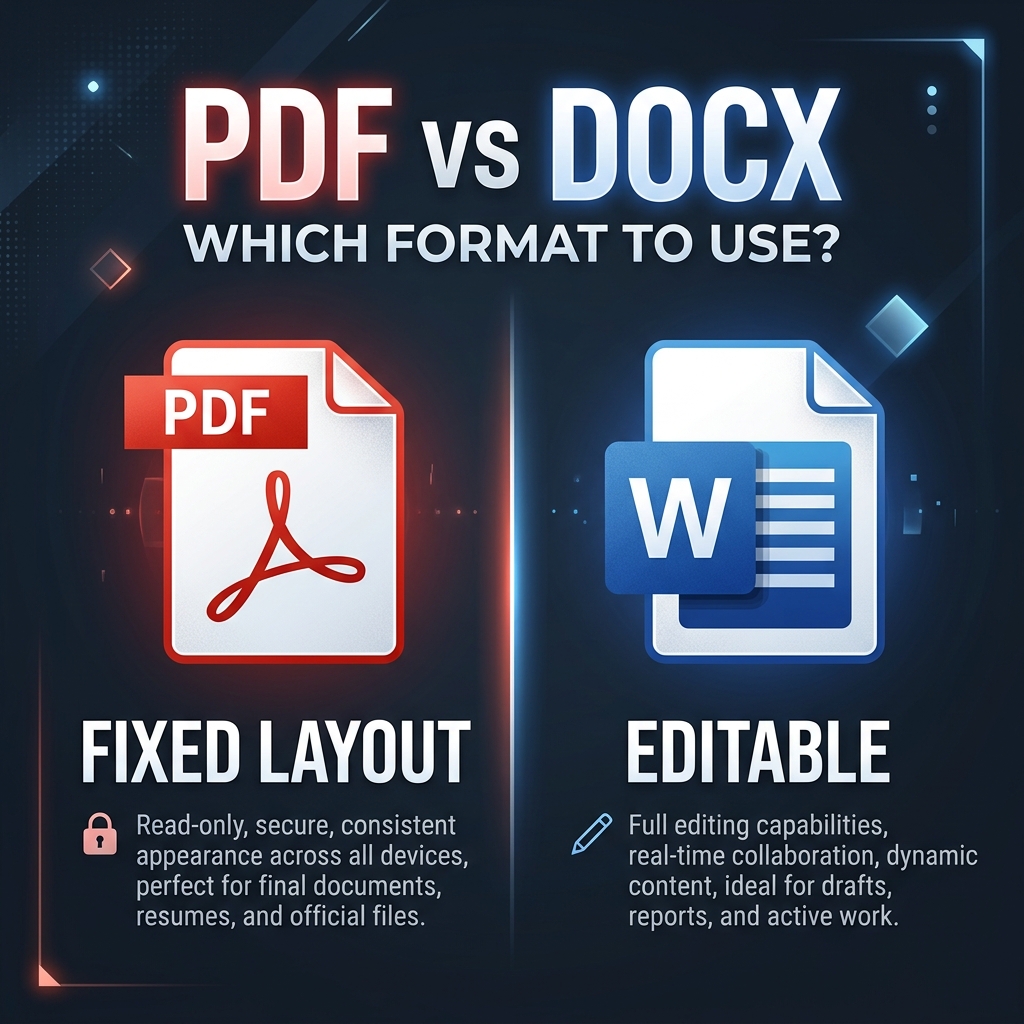
March 22, 2026
PDF vs DOCX: Which File Format Should You Use?
When should you send a PDF vs a Word document? Learn the key differences for sharing, editing, and archiving.
Read Article →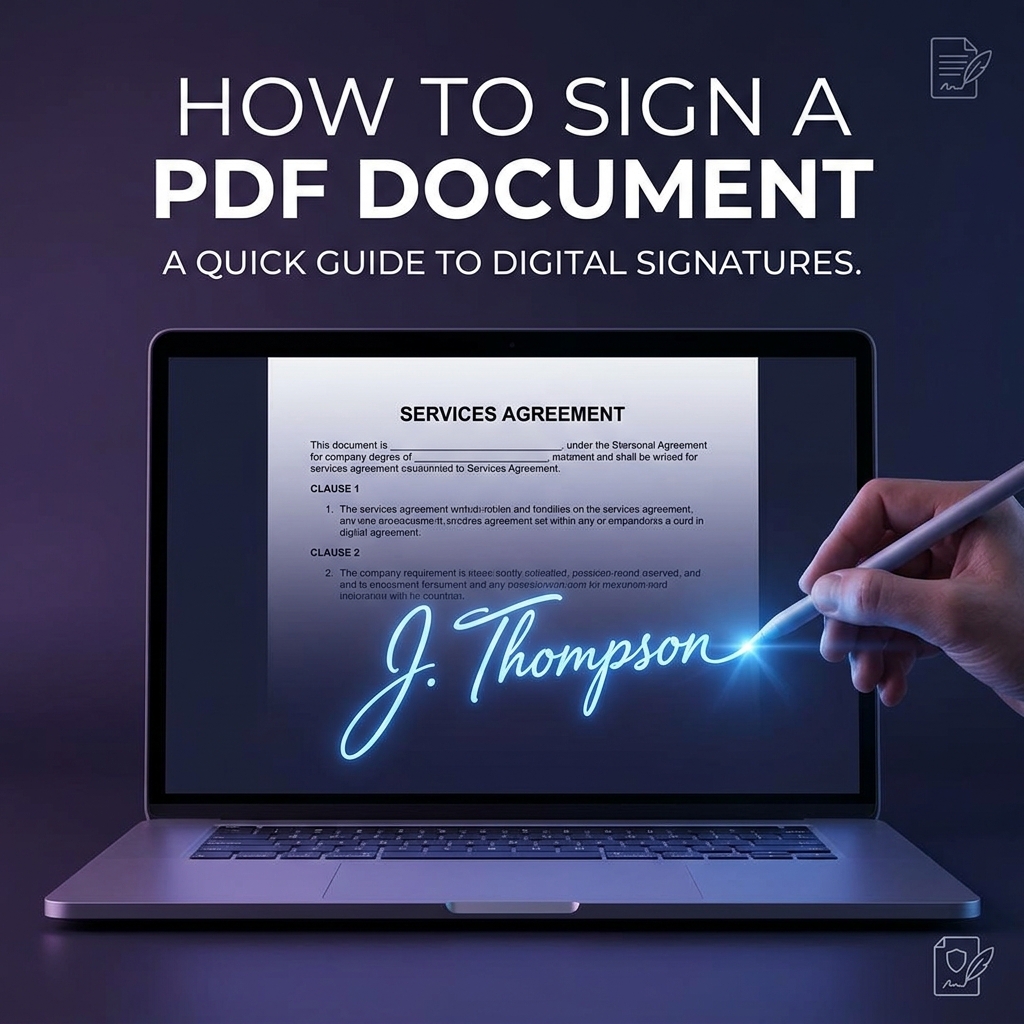
March 20, 2026
How to Sign a PDF Document Free (No Printing Needed)
Sign any PDF digitally in under 2 minutes — no printing, no scanning. Legally valid in US, EU, India, and UK.
Read Article →
March 18, 2026
How to Password Protect a PDF for Free (2026 Guide)
Secure any PDF with 128-bit AES encryption — no Adobe Acrobat needed. Step-by-step guide for any platform.
Read Article →
March 15, 2026
7 Best Free PDF Tools for Students in 2026
Every PDF tool a student needs — merge notes, compress assignments, sign forms, and scan handwritten work without installing anything.
Read Article →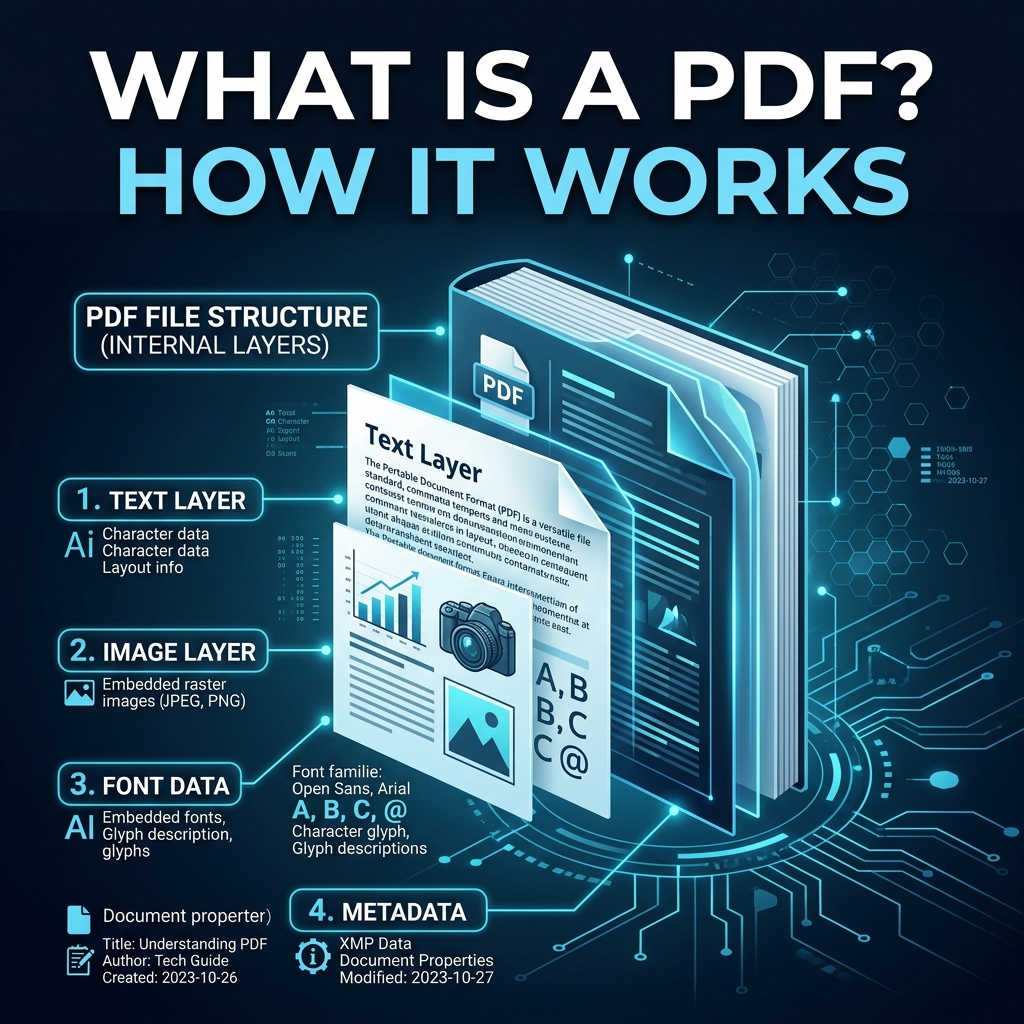
March 10, 2026
What Is a PDF? How It Works and Why It Matters
A complete beginner-friendly guide to the world's most popular document format — from its history to what's actually inside a PDF file.
Read Article →
March 23, 2026
Adobe Acrobat vs Quick Do PDF: Best Offline Alternative
An in-depth comparison between the industry heavyweight Adobe Acrobat and the free, decentralized alternative Quick Do PDF.
Read Article →March 23, 2026
Top 5 Offline PDF Editors for Ultimate Privacy
Discover the top 5 software applications that let you edit and manipulate PDF files offline without risking your data to cloud servers.
Read Article →March 23, 2026
Is Traditional Desktop PDF Software Dying?
Desktop software requires installation, updates, and massive hard drive space. Is the era of desktop PDF software coming to an end in 2026?
Read Article →March 21, 2026
How to Repair Corrupted PDF Files For Free
Learn how to quickly repair corrupted or damaged PDF files for free online. Recover unreadable documents and rebuild broken PDFs.
Read Article →March 21, 2026
How to Extract Text from PDF to TXT or HTML Free
Learn the fastest and most accurate ways to extract text from a PDF document to raw TXT files or semantic HTML webpages.
Read Article →March 21, 2026
How to Add Header, Footer & Page Numbers to PDFs
Learn how to professionally add running headers, footers, bates numbering, and automatic page numbers to any PDF document sequentially.
Read Article →March 21, 2026
How to Safely Fill PDF Forms & AcroForms Online
Learn the safest way to fill out interactive PDF forms, checkboxes, and digitally sign documents online using a private browser tool.
Read Article →March 2026
How to Compress PDF Files For Free Without Losing Quality
Learn step-by-step how to compress PDF files securely. Keep your document quality intact while shrinking the file size easily.
Read Article →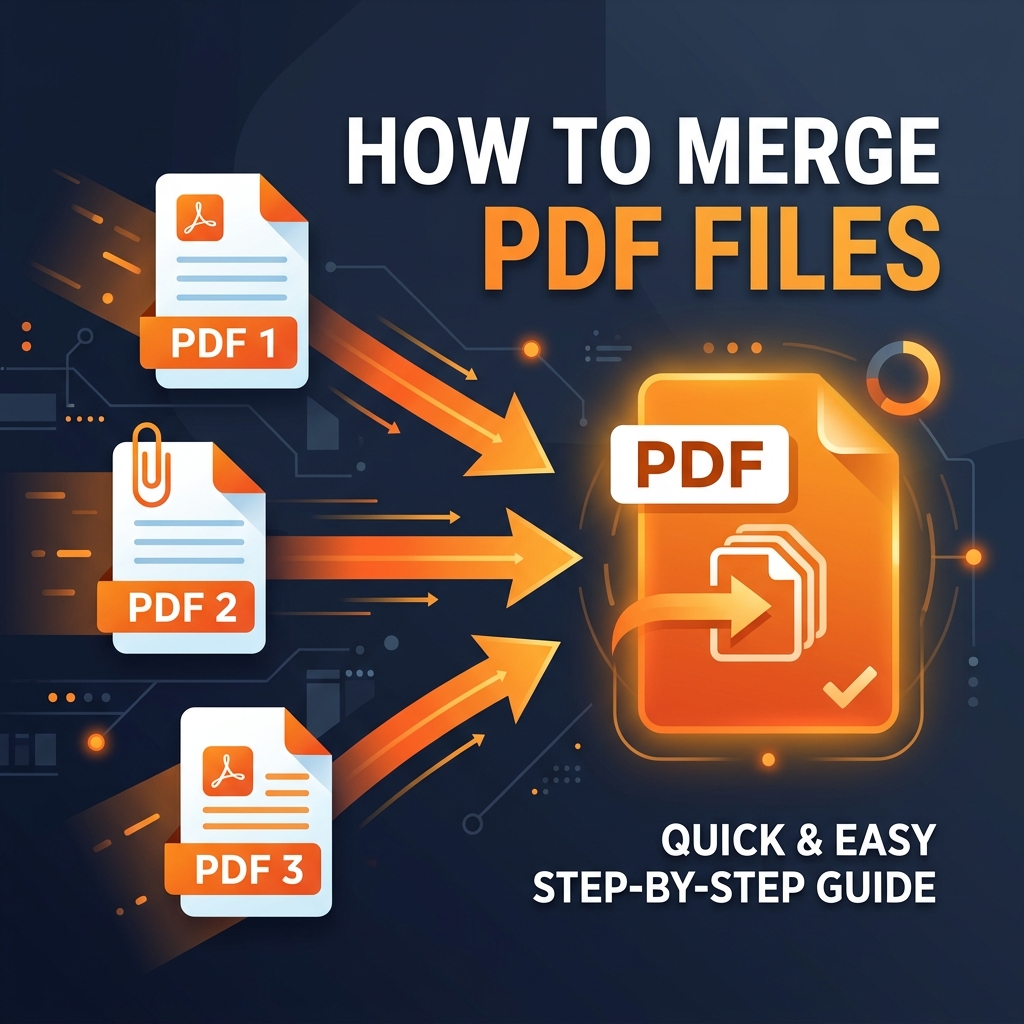
March 2026
How To Easily Merge PDF Files Into One Document
Discover the easiest, fastest, and most secure method to merge multiple PDF files into one complete document online for free without watermarks.
Read Article →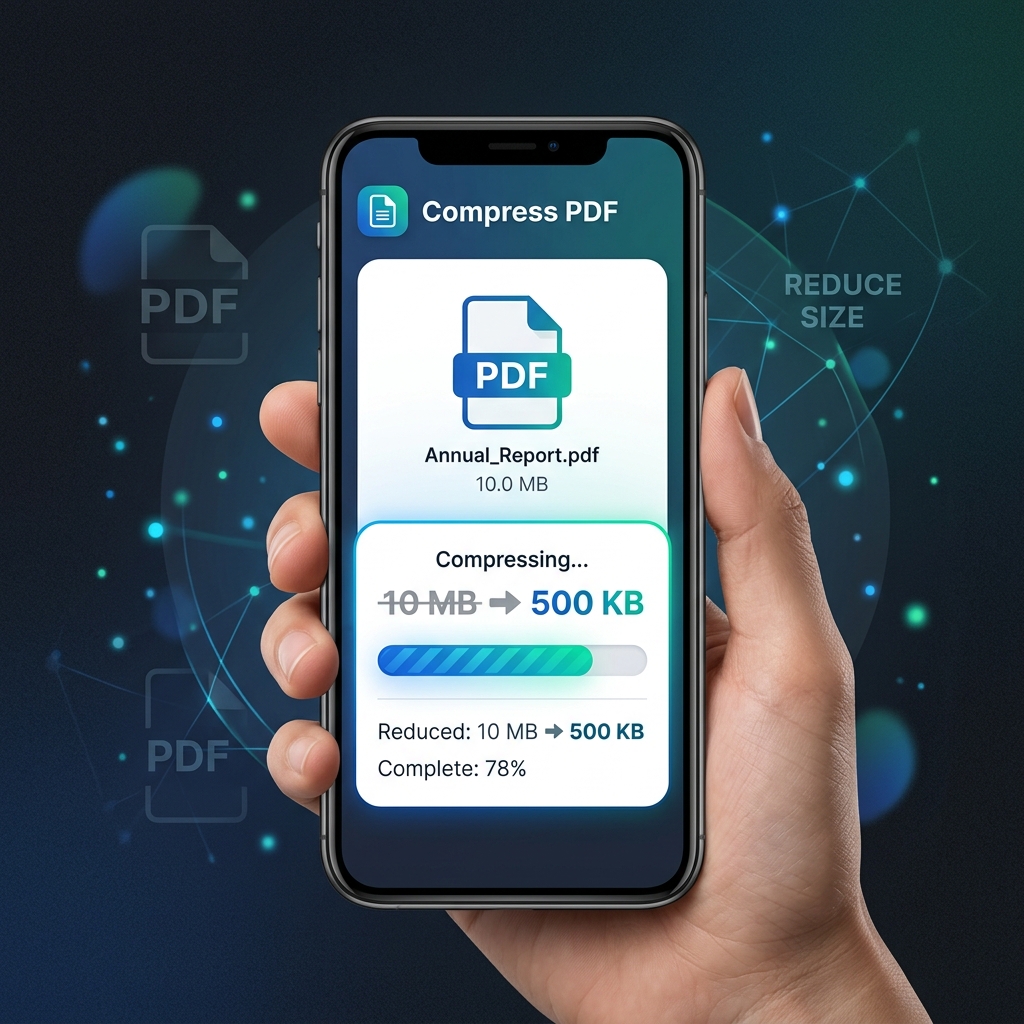
March 2026
How To Shrink a PDF File to Bypass Gmail's Limit
Struggle with Gmail's 25MB attachment limit? Learn how to compress your large PDF files securely so they easily fit into your email outbox.
Read Article →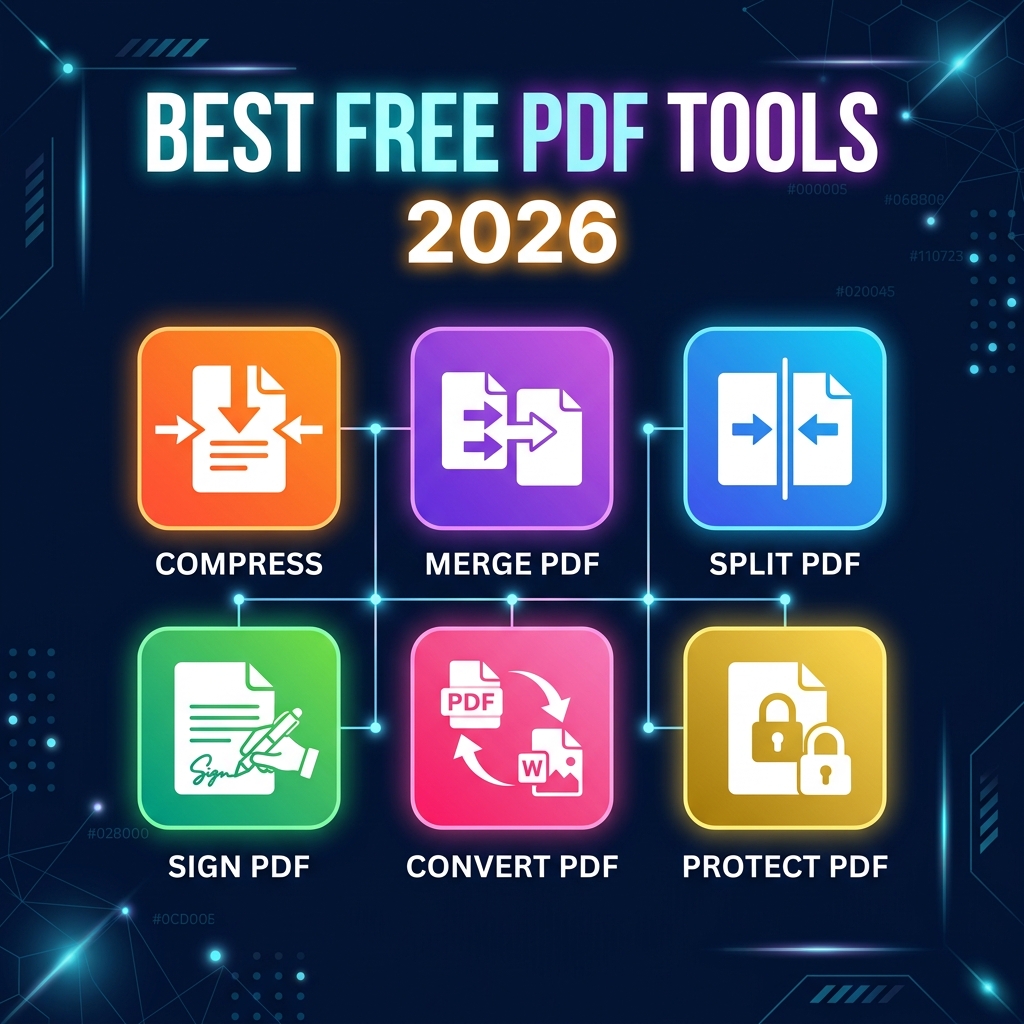
March 2026
10 Best Free PDF Tools in 2026 (No Sign-Up)
Looking for the best free PDF tools in 2026? Quick Do PDF offers a 100% private, client-side suite for compressing, merging, and converting.
Read Article →March 2026
iLovePDF vs Smallpdf vs Quick Do PDF: Comparison
A fast, honest comparison between iLovePDF, Smallpdf, and the privacy-first alternative Quick Do PDF. Find the best online PDF editor.
Read Article →March 2026
How to Edit a PDF Without Expensive Software
Learn how to effortlessly edit, manipulate, and combine PDF files entirely online without having to download or install expensive software.
Read Article →March 2026
How To Quickly Compress Large PDFs on Mobile
A complete guide on how to shrink large PDF files directly from your iPhone or Android device without downloading sketchy apps. Fast and secure.
Read Article →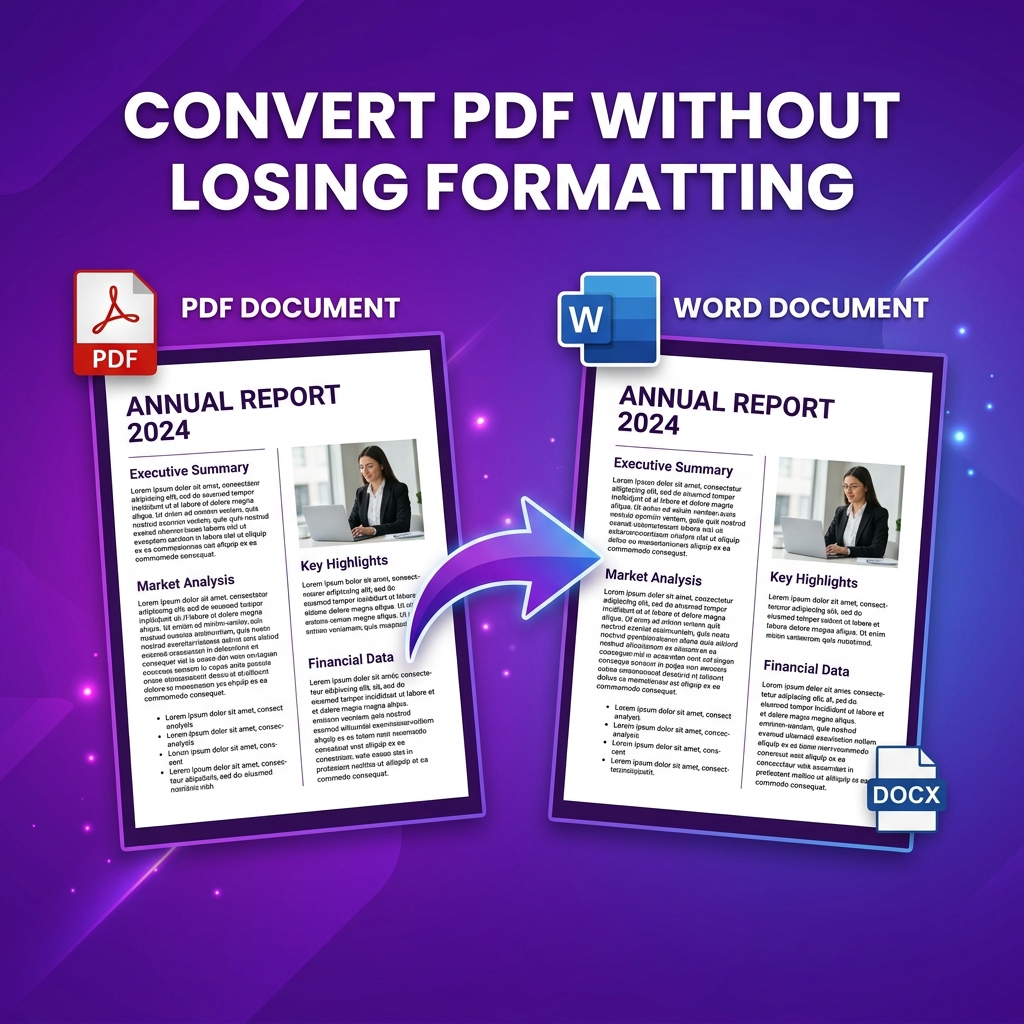
March 2026
Convert PDF Without Losing Formatting
Discover how to perfectly convert a PDF to Word or Excel without destroying the original text formatting, tables, or layout structure.
Read Article →
March 2026
How to Unlock a Secured PDF Document
A comprehensive tutorial teaching you how to remove password layers, unsecure restricted files, and unlock PDF print permissions safely.
Read Article →March 2026
Free PDF Editing Tools Without Registration Hurdles
Discover the best free online PDF manipulation tool suite that requires zero sign-up or email registrations. Fast, 100% private, and completely free.
Read Article →March 1, 2026
How to Merge PDF Files for Free (No Upload Required)
Learn how to combine multiple PDFs into one document using Quick Do PDF's free browser-based tool. No sign-up, no uploads, complete privacy.
Read Article →March 2, 2026
How to Unlock PDF Bank Statements Securely
Learn how to safely remove the password from secured bank statements for easy viewing and printing without uploading your data online.
Read Article →March 2, 2026
PDF vs Word: Which Format is Better for You?
Discover the pros, cons, and best use cases for both file types in our comprehensive guide to modern document formats.
Read Article →March 1, 2026
5 Best Ways to Compress a PDF Without Losing Quality
Reduce PDF file size for email, uploads, and sharing. Discover techniques that keep your documents looking sharp while saving space.
Read Article →March 2, 2026
How to Digitally Sign a PDF Document Online
Add your electronic signature to any contract or form directly in your web browser. Legally binding and 100% free.
Read Article →March 2, 2026
Why Is My PDF So Large? (And How to Fix It)
Uncover the hidden culprits that bloat your document size and learn the exact techniques to compress them properly.
Read Article →March 2, 2026
How to Convert Images into a Single PDF Document
Stitch fifty photos, Mockups, or receipts into one continuous file. Fast, secure, and entirely private.
Read Article →
March 1, 2026
PDF to Word Conversion: Complete Guide for 2026
Everything you need to know about converting PDFs to editable Word documents — methods, tips, and how to preserve formatting.
Read Article →March 15, 2026
How to Merge Multiple JPGs to One PDF Free
Learn the fastest offline method to combine multiple image files (JPG, PNG) into a single PDF document without losing quality or compromising privacy.
Read Article →March 15, 2026
Is It Safe To Unlock PDF Files Online?
A comprehensive analysis of online PDF unlocking safety, privacy risks of cloud servers, and how offline browser tools protect your passwords.
Read Article →March 15, 2026
Why is My PDF Text Showing Weird Symbols? Fixing Mojibake
Discover why extracting text from PDFs sometimes results in weird, garbled symbols and how modern OCR and native conversion tools fix PDF encoding errors.
Read Article →March 15, 2026
How to Natively Extract Original Images from PDF Documents
Stop using screenshot tools! Learn how to natively extract the original, high-resolution original JPG and PNG images embedded directly inside PDF files.
Read Article →March 15, 2026
What is PDF/A? A Guide to Long-Term Document Archiving
Understand the technical differences between a standard PDF and a PDF/A document, and why governments and legal institutions mandate PDF/A compliance.
Read Article →March 15, 2026
How to Compress a PDF to Under 100KB for Government Portals
Struggling to upload your resume or ID to a job portal because the file size is too big? Learn how to compress any PDF to exactly 100KB.
Read Article →March 15, 2026
Understanding and Fixing the Detached ArrayBuffer Error in PDF Software
Are you getting technical javascript errors when editing PDFs online? Learn what a Detached ArrayBuffer is and how QuickDoPDF prevents browser memory crashes.
Read Article →March 15, 2026
How to Erase and Replace Text in a PDF (Without Acrobat)
Discover the hidden methods to completely erase and replace existing text internally on a PDF document using our Free 100% offline Editor overlay.
Read Article →March 15, 2026
Why Compressing PDFs on Mac Preview Ruins Your Documents
Are you using Mac Preview to reduce file size, only to end up with a blurry, unreadable mess? Learn why Apple's native tool fails and the better free alternative.
Read Article →March 15, 2026
How to Fix the Greyed-Out Print Button on Protected PDFs
Unable to print your bank statement because the print icon is greyed out? Learn how to remove PDF printing restrictions legally and for free.
Read Article →